
CSV Import and Formatting Guide — E.164 Validation, Custom Columns, Formula Protection
Required CSV Format
SamparkWA accepts standard CSV (Comma-Separated Values) files. The first row must be a header row containing column names. The only required column is 'phone' — all other columns are optional and become variable chips in your templates.
name,phone,service,appointment_date,amount
Ramesh Kumar,+919876543210,Haircut,2026-10-25,250
Priya Sharma,+919812345678,Facial,2026-10-26,800
Amit Patel,+919765432109,Hair Spa,2026-10-27,1200Save your CSV file as UTF-8 encoding to ensure Hindi and Hinglish text displays correctly. Google Sheets and Excel both support UTF-8 export.
E.164 Phone Number Validation
SamparkWA validates all phone numbers against the ITU-T E.164 international standard before any message is prepared. E.164 numbers follow the format: [country code][subscriber number], with a maximum of 15 digits and a leading + sign.
| Format | Example | Valid? |
|---|---|---|
| E.164 with + | +919876543210 | Yes |
| E.164 without + | 919876543210 | Yes (auto-prefixed) |
| Indian with 0 | 09876543210 | No (ambiguous — add country code) |
| Indian with spaces | +91 98765 43210 | Yes (spaces auto-stripped) |
| With hyphens | +91-98765-43210 | Yes (hyphens auto-stripped) |
| US format | +12125551234 | Yes |
| Alphabetic | +91ABC6543210 | No (invalid characters) |
| Too long | +919876543210987654 | No (exceeds 15 digits) |
If your CSV contains numbers without country codes (e.g., 9876543210), SamparkWA will prompt you to select a default country code (e.g., +91 for India) before import. All numbers will be automatically converted to E.164 format.
Custom Columns and Variable Chips
Every column in your CSV becomes a variable chip that you can insert into your message template. For example, if your CSV has a column called 'service', you can use the {{service}} chip in your message, and SamparkWA will replace it with each customer's specific service.
| CSV Column | Variable Chip | Example Value |
|---|---|---|
| name | {{name}} | Ramesh Kumar |
| phone | {{phone}} | +919876543210 |
| service | {{service}} | Haircut |
| appointment_date | {{appointment_date}} | 2026-10-25 |
| amount | {{amount}} | 250 |
| business_name | {{business_name}} | Glow Salon |
The variable {{business_name}} is automatically set in SamparkWA Settings and doesn't need to be in your CSV. All other variables must match your CSV column names exactly.
CSV Formula Injection Protection
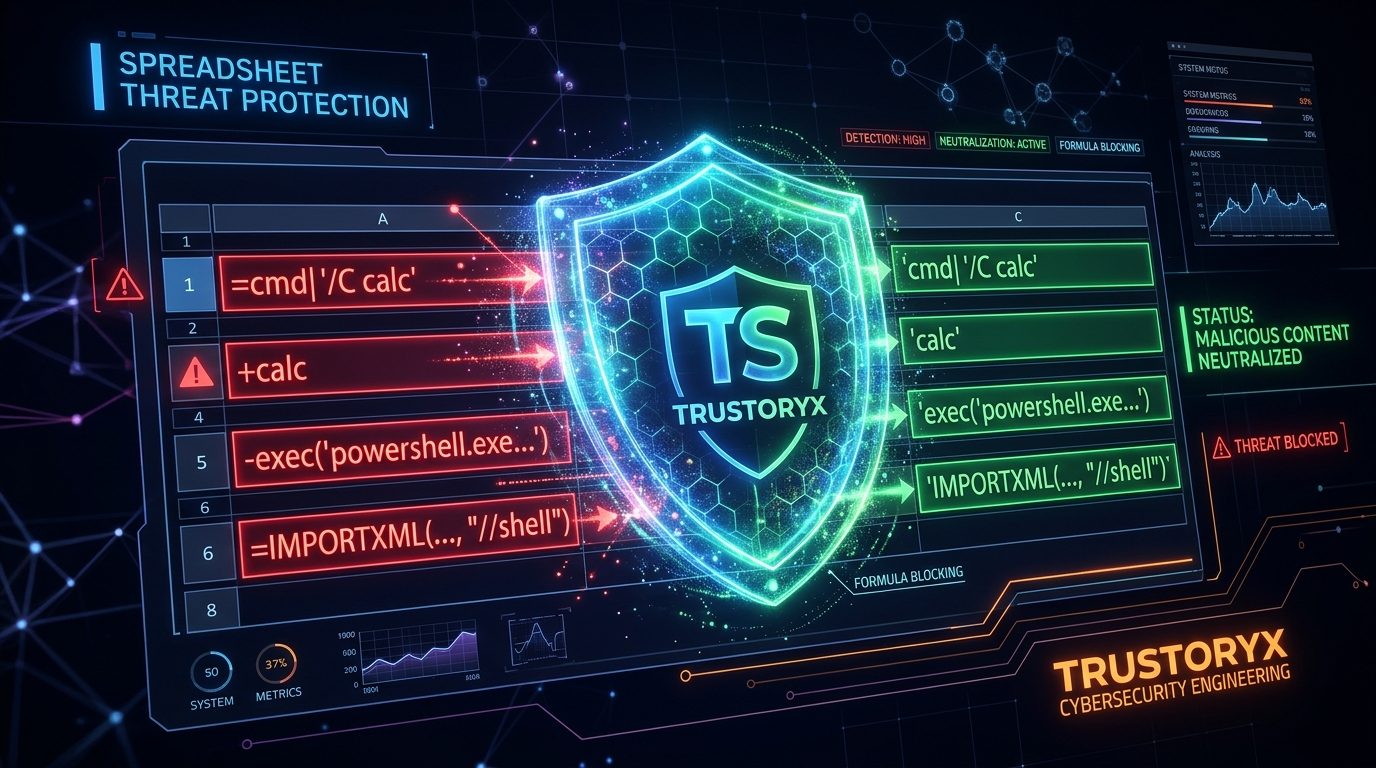
CSV formula injection is a security attack where malicious cells in a spreadsheet start with characters that spreadsheet applications (Excel, Google Sheets, LibreOffice) interpret as formulas. When opened, these cells can execute code, fetch external data, or corrupt your spreadsheet.
| Prefix | Risk | SamparkWA Action |
|---|---|---|
| = (equals) | Executes Excel formulas | Prefixed with single quote (') |
| + (plus) | Executes Excel formulas | Prefixed with single quote (') |
| - (minus) | Executes Excel formulas | Prefixed with single quote (') |
| @ (at) | Triggers DDE commands in Excel | Prefixed with single quote (') |
SamparkWA automatically sanitizes all four dangerous prefixes during CSV import. You don't need to do anything — your exported contact files are always safe to open in any spreadsheet application.
This protection is inherited from Trustoryx's cybersecurity engineering standards, which include defense-in-depth against common attack vectors targeting small business software.
Sample CSV Download
Download a sample CSV file to see the expected format. You can open this in Google Sheets, Excel, or any text editor, modify it with your own contacts, and import it into SamparkWA.
Download the sample CSV from: https://samparkwa.trustoryx.digital/samples/samparkwa-sample-contacts.csv
name,phone,service,appointment_date,amount,business_name
Ramesh Kumar,+919876543210,Haircut,2026-10-25,250,Glow Salon
Priya Sharma,+919812345678,Facial,2026-10-26,800,Glow Salon
Amit Patel,+919765432109,Hair Spa,2026-10-27,1200,Glow Salon
Sneha Gupta,+919845678901,Manicure,2026-10-28,300,Glow Salon
Vikram Singh,+919723456789,Beard Trim,2026-10-29,150,Glow Salon
Troubleshooting Import Errors
| Error | Cause | Solution |
|---|---|---|
| No contacts imported | CSV file is empty or has no header row | Ensure first row contains column names including 'phone' |
| All numbers flagged as invalid | Missing country code in phone column | Add country code (e.g., +91) or select default country during import |
| Hindi text shows as ??? | CSV saved as ANSI/Latin1 instead of UTF-8 | Re-save as UTF-8 encoding in Excel or Google Sheets |
| Variable chips not replaced | Column name mismatch | Ensure chip name matches CSV header exactly (case-insensitive) |
| Duplicate contacts | Same phone number appears multiple times | SamparkWA auto-removes duplicates — check the preview count |