
Opt-Out and Compliance Guide — Managing the Do-Not-Contact Registry
What Is the Opt-Out Registry?
The opt-out registry is a persistent, local-first list of phone numbers that have requested to stop receiving messages from your business. Once a number is added to the registry, SamparkWA automatically excludes it from all future campaigns — even if the number appears in a new CSV import.
Messaging customers who have opted out is not just poor practice — it can lead to WhatsApp reports, blocks, and account restrictions. The opt-out registry is your compliance safety net.
How to Add Contacts to the Registry
There are three ways to add a contact to the opt-out registry:
- Manual add: Open the SamparkWA Assistant Bar > click 'Opt-Out Registry' > click 'Add Number' > enter the phone number
- From campaign: While reviewing a campaign preview, click the 'Opt-Out' button next to any contact to immediately exclude them
- From received message: If a customer replies STOP, UNSUBSCRIBE, or similar, SamparkWA detects the opt-out intent and prompts you to add them to the registry
When a customer asks to stop receiving messages, add them to the registry right away. Do not wait until the next campaign. Respect for customer preferences is non-negotiable.
How the Registry Persists
The opt-out registry is stored in your browser's IndexedDB, a persistent local database that survives:
- Browser restarts and computer reboots
- Cache clears and cookie deletions
- Extension updates and reloads
- WhatsApp Web reconnections
If you clear all browser data (including site data and extensions), the opt-out registry will be lost. Before clearing browser data, export the registry as a CSV from the Opt-Out Registry panel.
WhatsApp Compliance Best Practices
| Practice | Details |
|---|---|
| Always include opt-out option | Add 'Reply STOP to unsubscribe' to promotional messages |
| Honor opt-outs immediately | Add to registry as soon as a STOP request is received |
| Don't message unknown numbers | Only message customers who have shared their number with you |
| Keep transactional vs promotional separate | Appointment reminders are transactional; offers are promotional |
| Limit frequency | Don't send more than 1-2 promotional messages per week per customer |
| Personalize messages | Use {{name}} and other variables so messages feel personal, not spam |
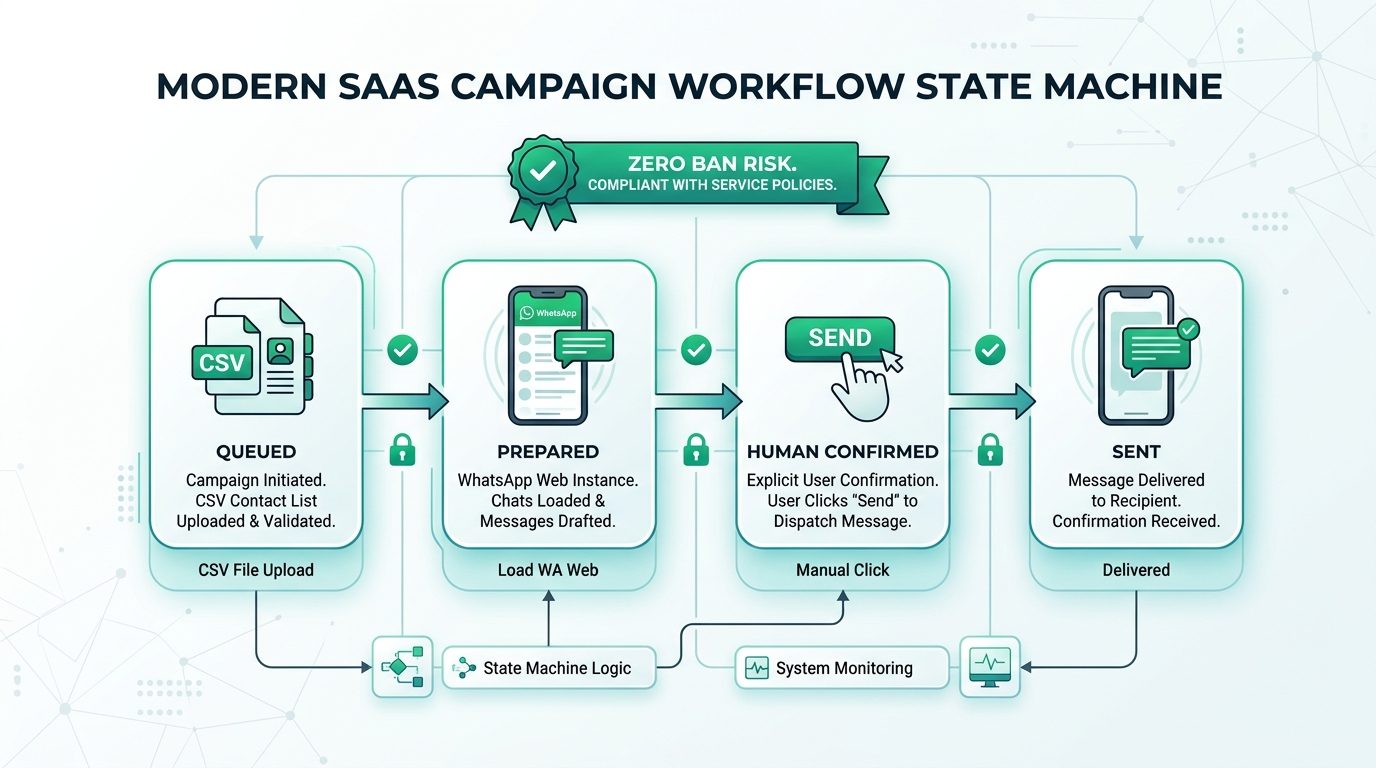
| Human-confirmed sends only | Never use automation — SamparkWA's human-in-the-loop approach is safest |
Auditing Your Compliance Status
SamparkWA provides a compliance audit panel that shows:
- Total contacts in the opt-out registry
- Last 10 opt-out additions with timestamps
- Campaigns sent in the last 30 days and whether any opted-out contacts were accidentally included (they shouldn't be)
- Export button to download the full registry as a CSV for record-keeping
The opt-out registry and compliance audit features are part of Trustoryx's cybersecurity engineering standards for small business software — ensuring that privacy and consent are built into the product, not bolted on.