
SamparkWA for Retail & Kirana Stores
Notify customers about new stock, pending payments, and festive sales
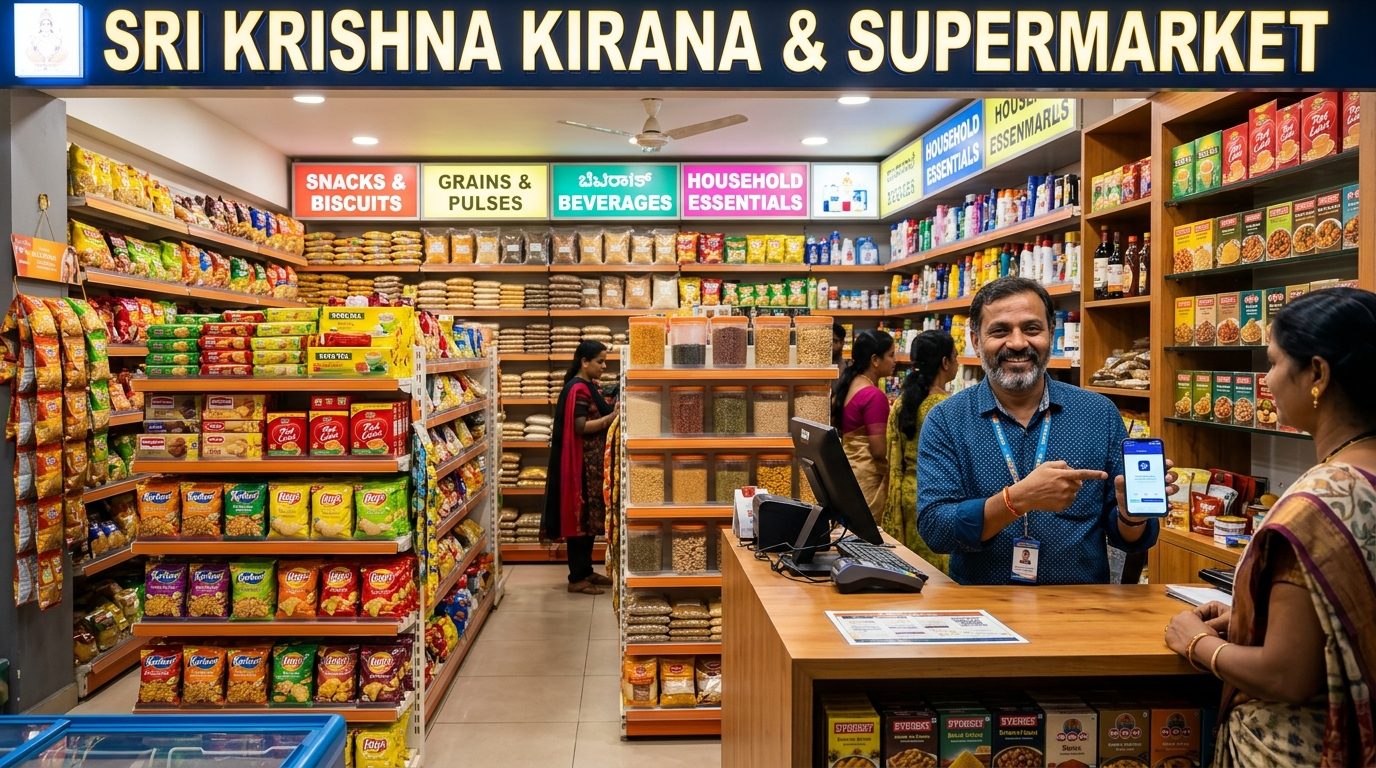
Common obstacles for Retail & Kirana.
Customers don't know when new stock arrives, so they buy from competitors
Pending khata (credit) payments pile up because SMS reminders are ignored
Festive sale announcements reach customers too late through flyers or SMS
You can't afford expensive CRM software or WhatsApp Business API subscriptions
You worry that bulk WhatsApp tools will get your shop's number banned
How SamparkWA addresses these issues.
New Stock Arrival Alerts
Import your regular customers' CSV and send 'New Stock Alert' messages when fresh goods arrive. Use templates like 'Hi {{name}}! {{business_name}} me naya stock aa gaya hai - {{product_name}} at just Rs. {{price}}. Jaldi aayein!'
Pending Khata / Payment Reminders
Import your khata ledger CSV with customer name, phone, and pending amount. Send personalized reminders: 'Hi {{name}}, aapke {{business_name}} par Rs. {{pending_amount}} ke pending hain. Kripya jaldi clear karein.'
Festive Sale Broadcasts
During Diwali, Eid, or Christmas, import your customer list and send festive sale messages with discount codes. The multilingual template engine lets you send in Hindi to local customers and English to office-goers.
Loyalty & Repeat Purchase Nudges
Message customers who haven't visited in 30+ days with a 'we miss you' offer. The opt-out registry ensures you only message customers who haven't opted out of promotional messages.
Ready-to-use message templates.
Copy any template directly into SamparkWA. Variables like {{name}} map to your CSV columns automatically.
New stock arrival
HinglishHi {{name}}! 📦 {{business_name}} me naya stock aa gaya hai - {{product_name}} sirf Rs. {{price}} me! Stock limited hai, jaldi aayein. Address: {{shop_address}}
Pending khata reminder
Hindiनमस्ते {{name}}, आपके {{business_name}} पर Rs. {{pending_amount}} का बकाया है। कृपया जल्द से जल्द भुगतान करें। UPI: {{upi_id}}। धन्यवाद!
Pending khata reminder
HinglishHi {{name}}, aapke {{business_name}} par Rs. {{pending_amount}} ke pending hain. Kripya jaldi clear karein. UPI: {{upi_id}}. Thank you!
Festive sale
EnglishHi {{name}}! 🎉 Diwali Mega Sale at {{business_name}}! Flat 20% off on all groceries from {{start_date}} to {{end_date}}. Visit us today and get a free gift with purchases above Rs. 500!
Festive sale
Hindiनमस्ते {{name}}! 🎉 {{business_name}} में दिवाली मेगा सेल! सभी किराने पर फ्लैट 20% छूट, {{start_date}} से {{end_date}} तक। आज आएं और Rs. 500 की खरीद पर मुफ्त उपहार पाएं!
We miss you offer
HinglishHi {{name}}! Hum aapko miss kar rahe hain 🙏 {{business_name}} par aapko special 10% discount mil raha hai aggi purchase par. Code: MISS10. Valid till {{expiry_date}}. Ainte jaldi aayein!
Recommended operational workflow.
Build your customer CSV
Create a simple CSV in Excel or Google Sheets with columns: name, phone, product_name, price, pending_amount. No technical knowledge required — just type customer names and numbers.
Import into SamparkWA
Click 'Import CSV' in the SamparkWA bar on WhatsApp Web. Phone numbers are validated, duplicates removed, and formula injection neutralized. You see a clean preview before proceeding.
Select a template
Choose 'New Stock Alert' or 'Khata Reminder' template. Select Hindi, Hinglish, or English. Click variable chips to customize. Preview the first 3 messages to verify.
Send one by one
SamparkWA prepares each message inside WhatsApp Web. You review and click send for each customer. This takes about 30 seconds per message and keeps your account 100% safe.
Frequently asked questions.
Start messaging your Retail & Kirana customers safely.
Add to your Chromium browser and start drafting in five minutes.